our story
From animation to physics,
and back again.
Ragdoll was born from a decade-long journey through character animation, visual effects, and physics simulation. Here's how it happened.
2008
The Beginning
Marcus Ottosson graduated from BTH in Blekinge, Sweden and ventured into the world as character animator at Meindbender — working on The Duplicators and The Pirate amongst others.
2012 — London on Craigslist
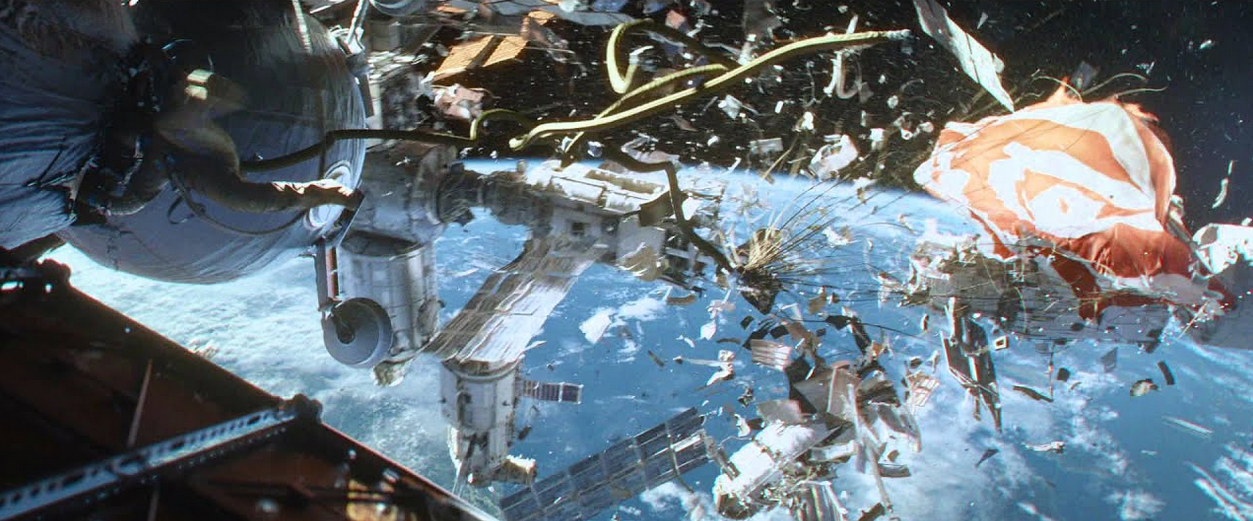
Framestore & Gravity
Marcus travelled to London with £15,000 of life savings to secure a job at Framestore — the studio he'd looked up to since before venturing out into the real world. He booked a crummy hotel around Hyde Park for 2 weeks, and in desperation transferred a majority of his savings for 6 months rent to a Craigslist listing. That luckily wasn't a scam.
He applied for a character animation role — only to find they needed "Creature FX" artists for a project taking place in space. That's when he learned that "creature" actually meant "tether" and FX means "simulation" — and the project was Gravity.
He applied for a character animation role — only to find they needed "Creature FX" artists for a project taking place in space. That's when he learned that "creature" actually meant "tether" and FX means "simulation" — and the project was Gravity.
Developing the technology behind the tethers for Alfonso Cuarón's Gravity
He later completed work on the Cloak of Levitation in Doctor Strange. It was during this time that the character animator was introduced to physics simulation — and with it, an idea to bring this technology to the otherwise non-physically simulated world of character animation.
2015 — Let's Start Small
Abstract Factory & Pyblish
Inspired by the automation at Framestore, Marcus founded Abstract Factory and built tools for production pipelines: Pyblish, Avalon, Qt.py, cmdx and Allzpark.
Pyblish would go on to win the Best Pipeline Tool award at DigiPro/The Pipeline Conference 2020. Lessons were learned in running a business on open-source software — namely don't.
Pyblish would go on to win the Best Pipeline Tool award at DigiPro/The Pipeline Conference 2020. Lessons were learned in running a business on open-source software — namely don't.
2017 — Early Prototypes
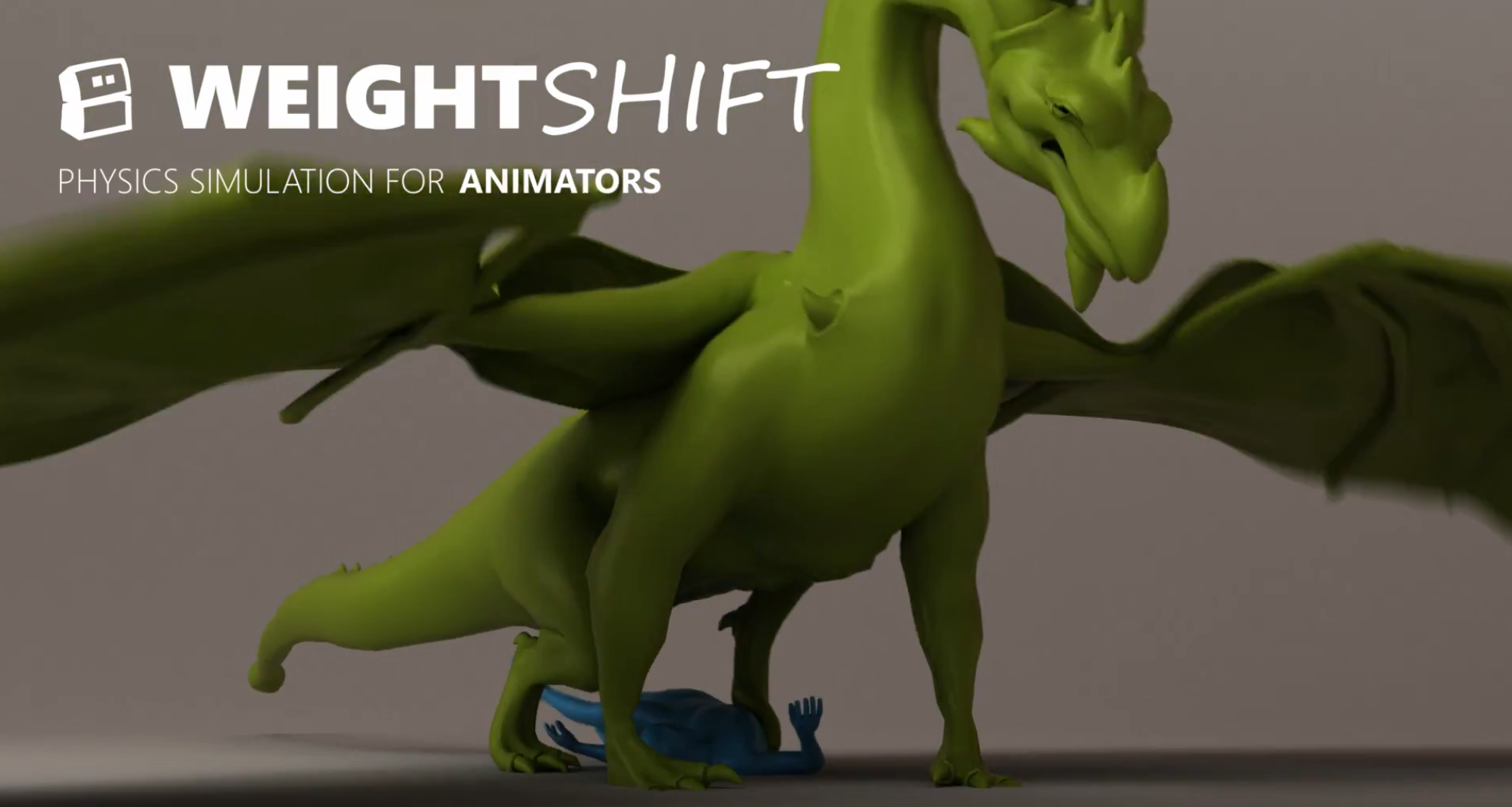
WeightShift Dynamics
Marcus co-founded WeightShift with Danny Chapman and Tim Daust — fresh off the Endorphin and Euphoria projects at Natural Motion.
Like Euphoria, WeightShift developed a physically based animation tool — except this one was tailored to Autodesk Maya. It was adopted by Weta Digital (Avatar, Lord of the Rings) and Framestore (Harry Potter, Gravity).
Like Euphoria, WeightShift developed a physically based animation tool — except this one was tailored to Autodesk Maya. It was adopted by Weta Digital (Avatar, Lord of the Rings) and Framestore (Harry Potter, Gravity).
WeightShift Dynamics — physically based animation for Maya
But visions diverged, conflict arose, and the team disbanded. The silver lining: Epic Games purchased the technology, providing the runway to restart.
Two steps forward, one step back.
Two steps forward, one step back.
2020
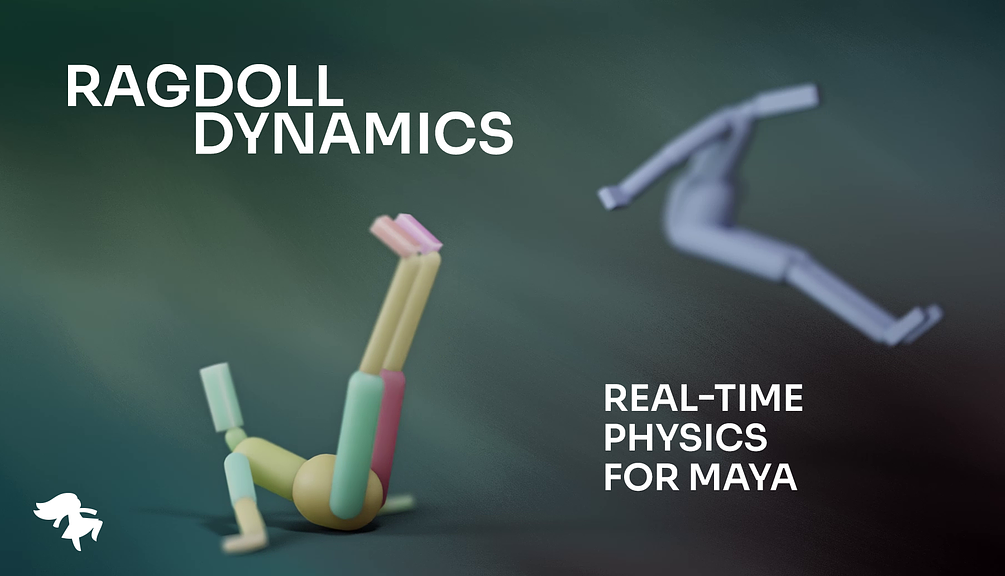
Ragdoll Enters Chat
After a stint developing Allzpark for Studio Anima and animating for Redfall and Horizon Zero Dawn II at Goodbye Kansas, all the pieces were in place. Funding, experience spanning animation, programming, business and physics.
Ragdoll carries on where WeightShift left off — but turns things on its head. Rather than targeting riggers and technical animators, Ragdoll adopts a "no rigging required" approach.
Ragdoll carries on where WeightShift left off — but turns things on its head. Rather than targeting riggers and technical animators, Ragdoll adopts a "no rigging required" approach.
What couldn't be done in 2012 was now made possible
July 28, 2021
Launch
Ragdoll is launched. Born in film and games, redesigned for everyone.
Early Prototypes
nCloth — First Prototype. Utilising the Bend Resistance and Attract to Matching Mesh features of nCloth. The challenge was tailoring the edges to carry the weight and motion of the character. More rigidity meant less performance — always ending up too squishy.
nCloth to IK. Using follicles on the simulated geometry to derive positions for a skeleton. Don't let the fps counter fool you — this version was point-cached. Interactive performance was less than 5 fps.
nCloth Interaction. Same idea, now interacting with another nCloth object in the scene.
A few prototypes later, he realised this wasn't going to fly. To tackle this, one would need a firm grasp on software development. As they say — two steps forward, one step back.